Que material
para MyStrow?
Um controlador MIDI e uma interface DMX. É tudo o que é preciso para comandar um palco completo. Eis o que recomendamos — com os links para encomendar.
O controlador MIDI é opcional — o MyStrow também se comanda com teclado e rato.
A interface DMX — a ligação entre o MyStrow e os seus projetores
A interface DMX converte o sinal do seu computador em comandos DMX512 para os seus projetores. Duas soluções consoante a instalação. Basta uma.
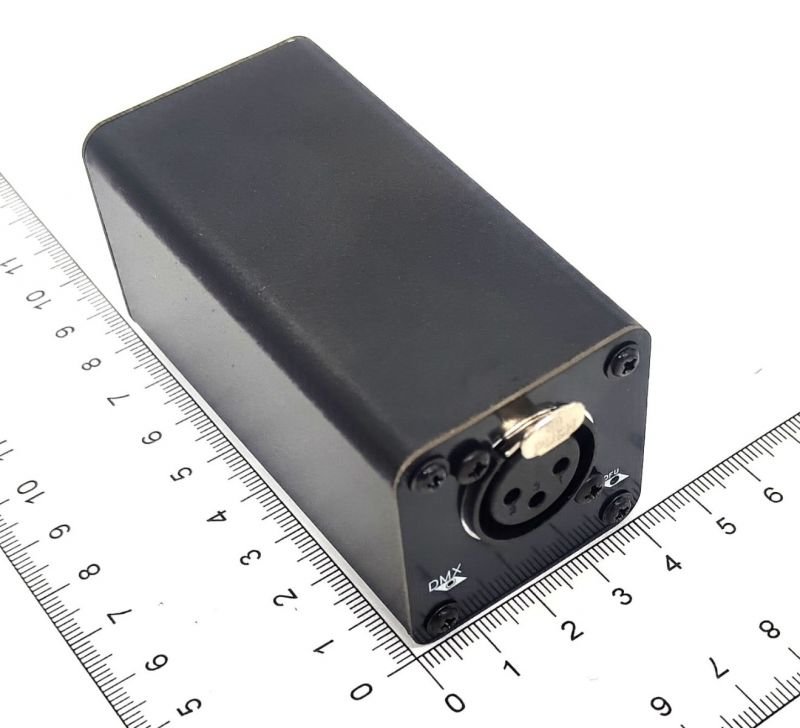
Liga-se por cabo de rede RJ45 entre o computador e o nó, que converte para DMX512 até aos projetores. Muito estável em palco, latência zero. A escolha de clubes, salas de espetáculo e instalações permanentes.
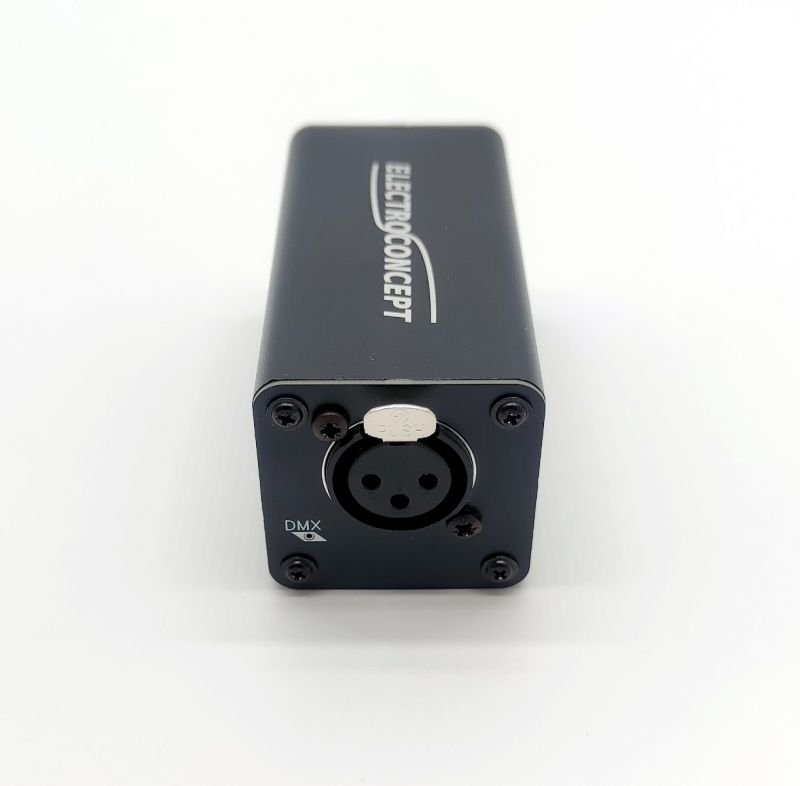
Um verdadeiro nó Art-Net, mas por USB : comande DMX512 sem placa de rede Ethernet dedicada. Plug & play (sem controladores para instalar), RDM integrado e saída optoisolada que protege o computador. O nó cria a sua própria rede (2.0.0.1) e o MyStrow deteta-o automaticamente. Ideal se o computador só tiver uma porta USB.
* Links de afiliado da Amazon — se comprar através deles, recebemos uma pequena comissão sem qualquer custo adicional para si. Obrigado pelo apoio!
O AKAI APC mini mk2, pensado para o MyStrow
O MyStrow foi pensado e otimizado em torno do AKAI APC mini mk2: cada pad da grelha 8×8 corresponde a uma cor ou a uma cena, e os 9 faders gerem a intensidade grupo a grupo. O Novation Launchpad Mini MK3 é uma alternativa perfeitamente reconhecida. Basta um — e o controlador continua opcional.
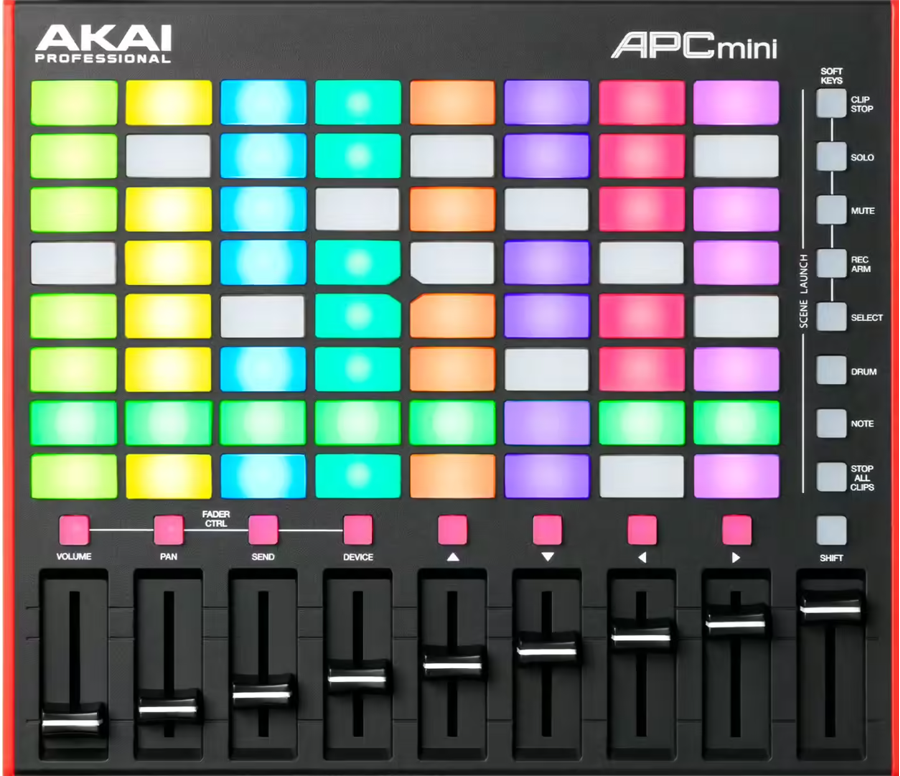
Plug & play, sem controladores: o MyStrow deteta-o ao arrancar. Grelha 8×8 de pads LED que se acendem em tempo real, mais 9 faders de intensidade e botões de mute por grupo. A experiência ao vivo de referência.
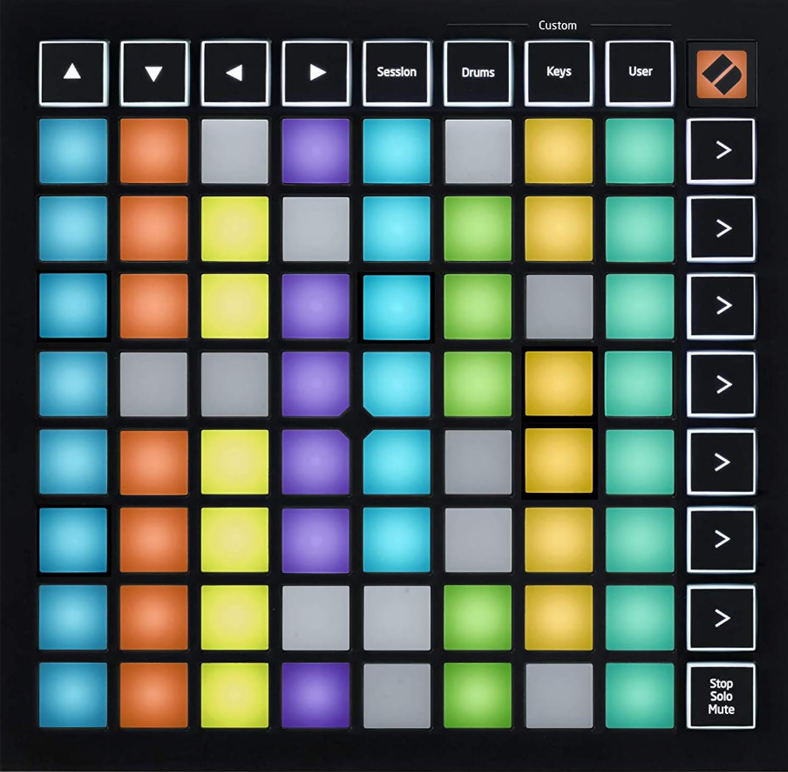
Reconhecido como plug & play pelo MyStrow. Grelha 8×8 de pads RGB com retorno LED vivo para comandar cores e memórias. Ultracompacto. A notar: sem faders físicos — a intensidade regula-se pelos pads, pelo tablet ou pela planta de palco.
Outros controladores compatíveis
Outras superfícies de controlo MIDI funcionam com o MyStrow através de remapeamento. São compatíveis, mas sem o mapeamento nativo plug & play do APC mini mk2.
O MyStrow inclui um simulador AKAI no ecrã — grelha de 8×8 pads e 9 faders, utilizável com o rato ou num ecrã tátil. Também pode comandar tudo com teclado e rato. O controlador físico oferece a melhor experiência ao vivo, mas é totalmente opcional.
Todos os seus projetores DMX são compatíveis
O MyStrow utiliza o protocolo DMX512 padrão. Não importa a marca nem o modelo — se o projetor recebe DMX, é compatível. Configure os canais manualmente ou importe um ficheiro de fixture.
Descarregue o MyStrow gratuitamente
Instale o MyStrow, ligue o seu material e assuma o controlo dos projetores em menos de 5 minutos.
Descarregar ↓Outras funcionalidades
Versão gratuita
15 dias de acesso sem cartão bancário : o que está incluído e o que não está.
Software de iluminação DMX
Controlo DMX Art-Net em tempo real de todos os seus projetores LED, moving heads e PAR a partir do computador.
IA de iluminação
A IA analisa o som e gera ambientes luminosos coerentes de forma totalmente automática.
Programação de luz
Linha de tempo visual, keyframes, clips editáveis. Componha os seus espetáculos com antecedência e sincronize-os com a música.
Leitor de áudio e vídeo
Faça a gestão da playlist e das projeções na mesma interface. Som, imagem e luz num só programa.
Planta de palco interativa
Visualize e controle os seus projetores numa planta interativa. Grupos, zonas e patch DMX em tempo real.