★★★★★
„Endlich eine Software, die den Workflow eines Lichttechnikers versteht. Die automatische BPM-Synchronisierung und die KI-Sequenzen haben mir in der Vorproduktion Stunden gespart.“
All-in-one DMX-Software. KI-gestützte Beleuchtung inklusive. Ein leistungsstarker Audio- & Video-Player für maximale Kreativität.

Alle DMX 512-Scheinwerfer kompatibel. Über 5.000 Scheinwerfer in der integrierten Bibliothek.
Sparen Sie Zeit. Die KI analysiert, schlägt vor und optimiert Ihre DMX 512-Beleuchtung in Echtzeit.

Spielen Sie Ihre Medien direkt in MyStrow ab. Kein Jonglieren mehr zwischen mehreren Anwendungen.

Programmieren, anpassen, starten. Eine Oberfläche, die für schnelles und präzises Arbeiten entwickelt wurde.
Schnellstart
Von der Installation bis zur ersten Show – in unter 10 Minuten.
Schließen Sie Ihren MIDI-Controller, einen Stream Deck an oder nutzen Sie einfach Tastatur und Maus. MyStrow erkennt Ihre Ausrüstung automatisch – einstecken und los.
Erstellen Sie Ihren DMX-Patch mit wenigen Klicks dank einer integrierten Bibliothek von 5.000+ Fixtures. Adressen, Modi, Gruppen – alles ist im Handumdrehen konfiguriert, ohne Aufwand.
Vorinstallierte Szenen, sofort einsatzbereite Effekte, eingestellte Pegel. Alles ist bereit. Drücken Sie einfach auf Play. Die Show kann beginnen.
Benötigte Hardware
Kompatibel mit jeder DMX-Fixture – anschließen, starten, beleuchten.
Funktionen
MyStrow vereint in einer einzigen Software die Leistung eines Lichtpults, eines Audio- & Video-Players und einer kreativen KI.
Visualisieren Sie Ihre Fixtures auf einem Bühnenplan, gruppieren Sie sie nach Zonen und steuern Sie jede Gruppe per Klick oder Fader.
Verwalten Sie Ihre Playlist und Projektionen über dieselbe Oberfläche. Modi Manuell, KI, Programm und Light Play – alles in einem, kein Jonglieren zwischen Apps.
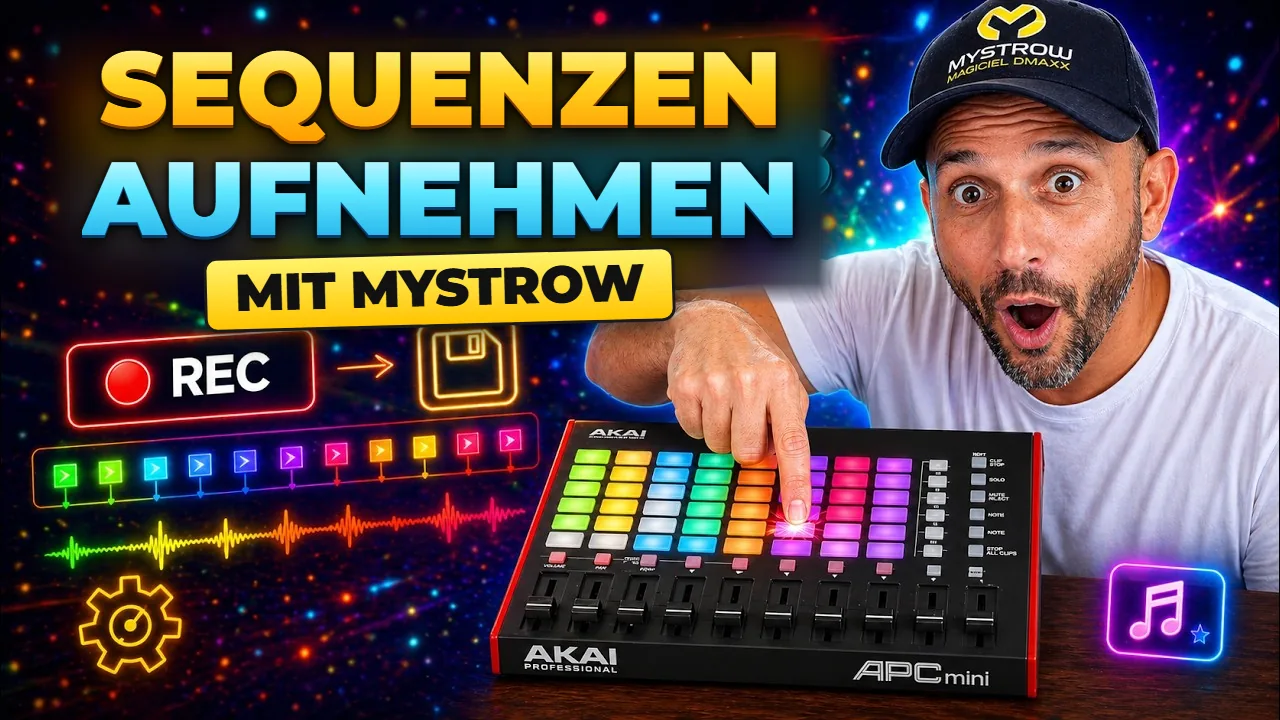
Entwickelt für den AKAI APC mini mk2. Jedes Pad, jeder Fader hat sein direktes Mapping. LED-Feedback in Echtzeit, sofortige praktische Steuerung.
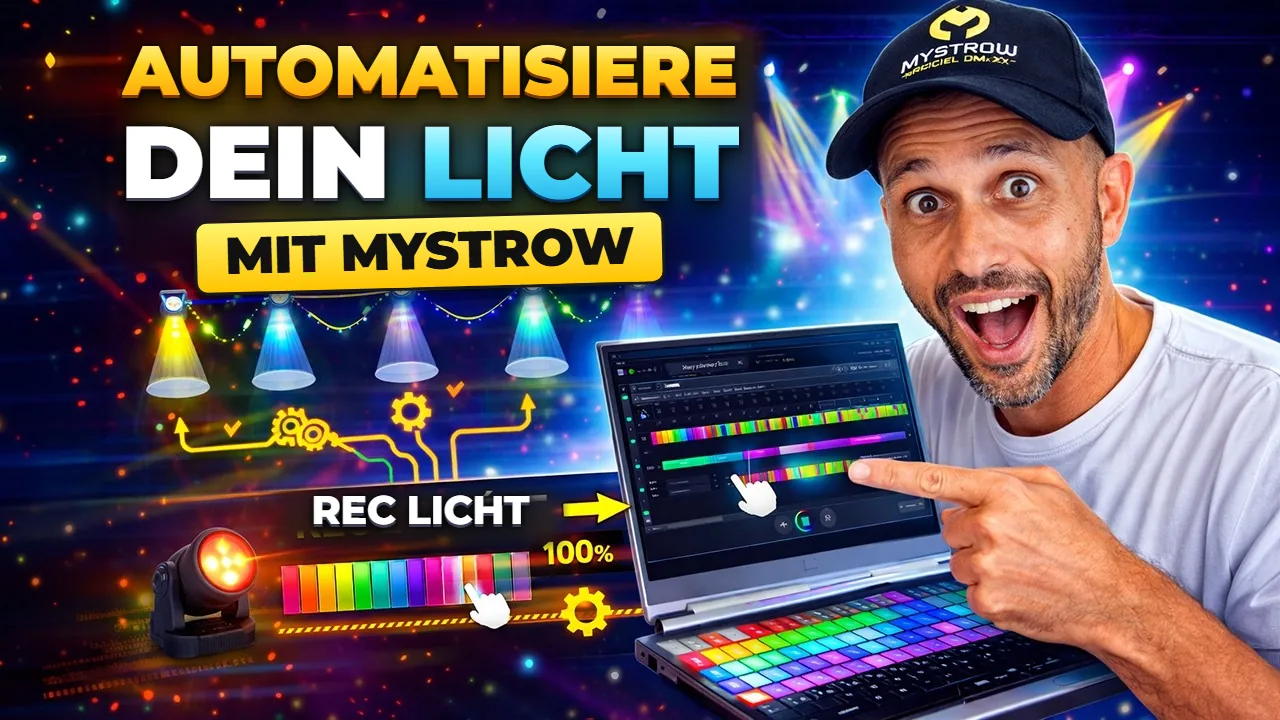
Komponieren Sie Ihre Shows im Voraus auf einer visuellen Timeline. Setzen Sie Keyframes für Farbe und Intensität, bearbeiten Sie Clips per Drag-and-drop und synchronisieren Sie jeden Effekt präzise mit Ihrer Musik.
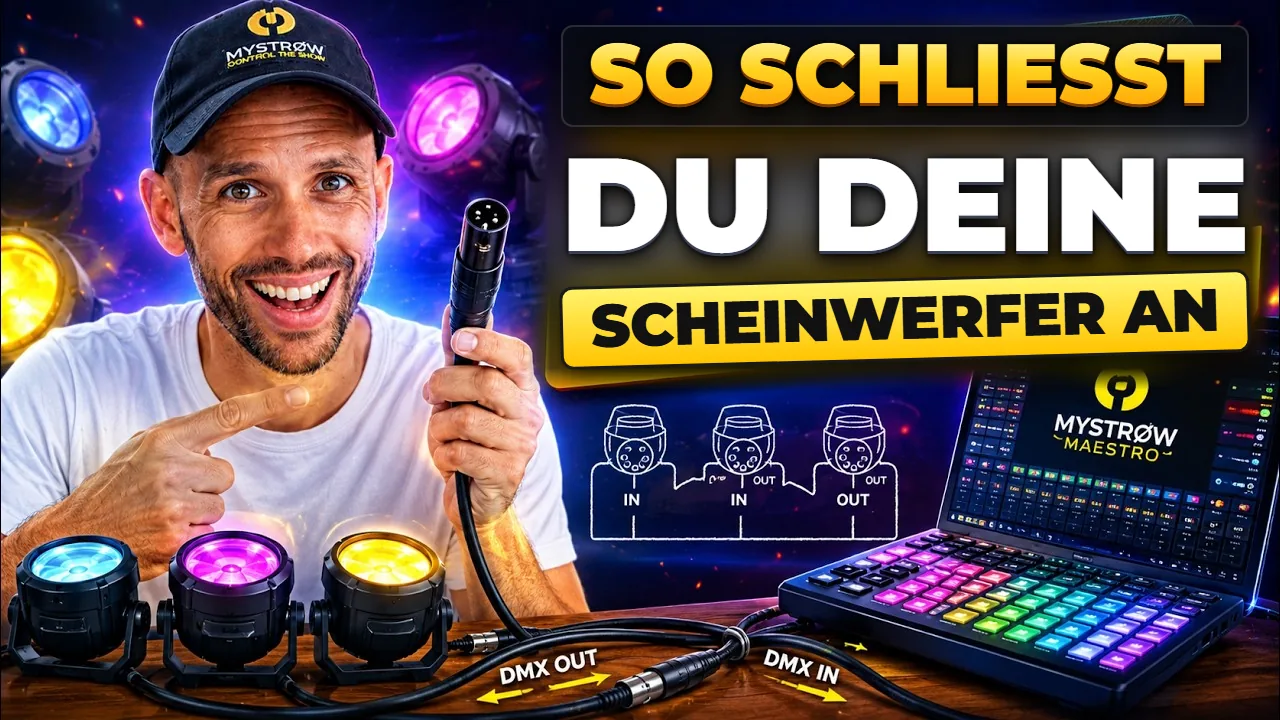
Ein Windows- oder Mac-PC mit Netzwerkkarte, ein Art-Net-DMX-Node und MyStrow. Kompatibel mit jeder DMX-Fixture: Moving Heads, LED-Wash, LED-PAR. Intensitäten, Farben, Strobe-Effekte – alles über eine für Profis entwickelte Oberfläche gesteuert.
Aktivieren Sie die KI und lassen Sie sie die gesamte Bühne steuern: Farben, Intensitäten, Übergänge. Oder lassen Sie sich von ihr helfen, Ihre Shows schneller zu programmieren.
DMX-Patch
Konfigurieren Sie Ihre DMX-Adressen, weisen Sie Ihre Fixtures zu und organisieren Sie Ihre Gruppen mit wenigen Klicks. Jede Änderung wird sofort auf Ihrem Bühnenplan angezeigt.
Vereinfachte Programmierung
Komponieren Sie Ihre Lichtsequenzen auf einer visuellen Timeline. Erstellen Sie farbige Clips und synchronisieren Sie jeden Effekt präzise mit Ihrer Musik.
Künstliche Intelligenz
MyStrow analysiert in Echtzeit Energie, Rhythmus und Frequenzen Ihres Audios, um automatisch eine stimmige Lichtatmosphäre zu erzeugen. Vom intimen Konzert bis zum Festival – Ihre Lichter passen sich an.
3D-Simulator
Das 3D-Rendering ist direkt in MyStrow enthalten: Ihre Scheinwerfer, Lichtkegel und Farben erscheinen in Echtzeit, während Sie programmieren. Keine Fremdsoftware, keine zusätzliche Lizenz, kein Export nötig.
Erfahrungsberichte
Von Konzertsälen bis zu Festivals – MyStrow unterstützt Lichtprofis.
„Endlich eine Software, die den Workflow eines Lichttechnikers versteht. Die automatische BPM-Synchronisierung und die KI-Sequenzen haben mir in der Vorproduktion Stunden gespart.“
„Die Live-Steuerung über den AKAI APC mini ist eine Revolution. Ich feuere meine Szenen ab wie ein DJ seine Loops. Ultra-reaktionsschnell, null Verzögerung.“
„Der visuelle Bühnenplan und die Gruppenverwaltung vereinfachen große Installationen enorm. Ich spare bei jedem Event enorm viel Zeit.“
Empfohlene Hardware
Alles funktioniert über die Tastatur — aber dieses Trio bietet das beste Live-Erlebnis.
MIDI-Controller — 8×8 LED-Pads + 9 Fader. Das Referenz-Live-Erlebnis.
Ethernet → DMX512-Box, feste IP, kein Treiber. Die empfohlene Wahl für die Produktion.
Ein echter ArtNet-Node, aber über USB — keine Ethernet-Karte nötig. Für PCs mit nur einem USB-Anschluss.
Preise
Kostenlos starten, upgraden, wenn Sie bereit sind. 15 Tage Testversion zum Ausprobieren.
FAQ
Alles, was Sie vor dem Start wissen müssen.
Newsletter
Neue Funktionen, Lichttipps und MyStrow-Updates –
straight to your inbox. Nein spam, unsubscribe anytime.
Mit dem Abonnieren stimmen Sie unserer Datenschutzrichtlinie zu.
Tutorials & Anleitungen
Videos und Schritt-für-Schritt-Anleitungen — vom ersten Patch bis zur voll automatisierten Show.
Bereit loszulegen?
Schließen Sie sich den Lichttechnikern an, die auf MyStrow für ihre Shows vertrauen.