What hardware
for MyStrow?
A MIDI controller and a DMX interface. That is all it takes to run a full stage. Here is what we recommend — with the links to order it.
The MIDI controller is optional — MyStrow can also be driven with keyboard and mouse.
The DMX interface — the link between MyStrow and your fixtures
The DMX interface turns your computer's signal into DMX512 commands for your fixtures. Two options, depending on your setup. Only one is needed.
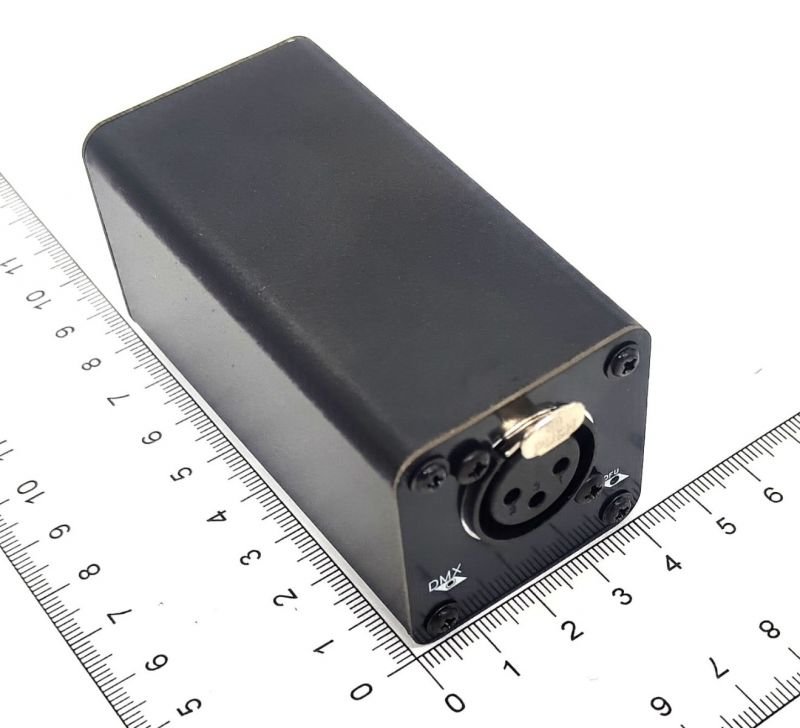
Connects over an RJ45 network cable between your computer and the node, which converts to DMX512 for your fixtures. Rock solid on stage, zero latency. The choice of clubs, venues and permanent installations.
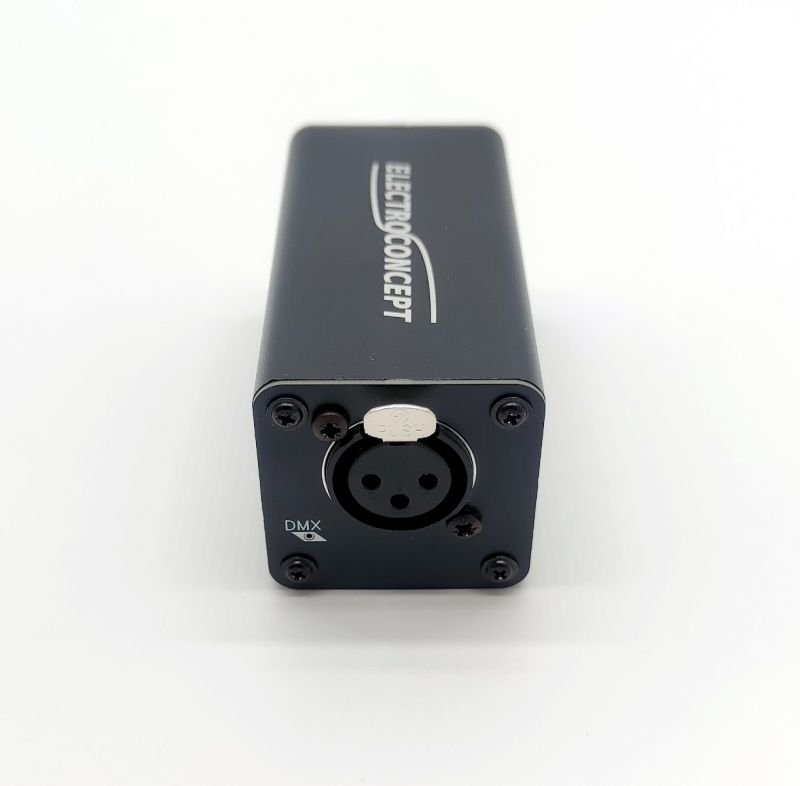
A real Art-Net node, but over USB : drive DMX512 without a dedicated Ethernet card. Plug & play (no driver to install), built-in RDM and an opto-isolated output that protects your computer. The node creates its own network (2.0.0.1) and MyStrow detects it automatically. Ideal if your computer only has a USB port.
* Amazon affiliate links — if you buy through them we earn a small commission, at no extra cost to you. Thank you for the support!
The AKAI APC mini mk2, built for MyStrow
MyStrow is designed and tuned around the AKAI APC mini mk2: every pad of the 8×8 grid maps to a colour or a scene, and the 9 faders handle intensity group by group. The Novation Launchpad Mini MK3 is a fully supported alternative. One is enough — and the controller stays optional.
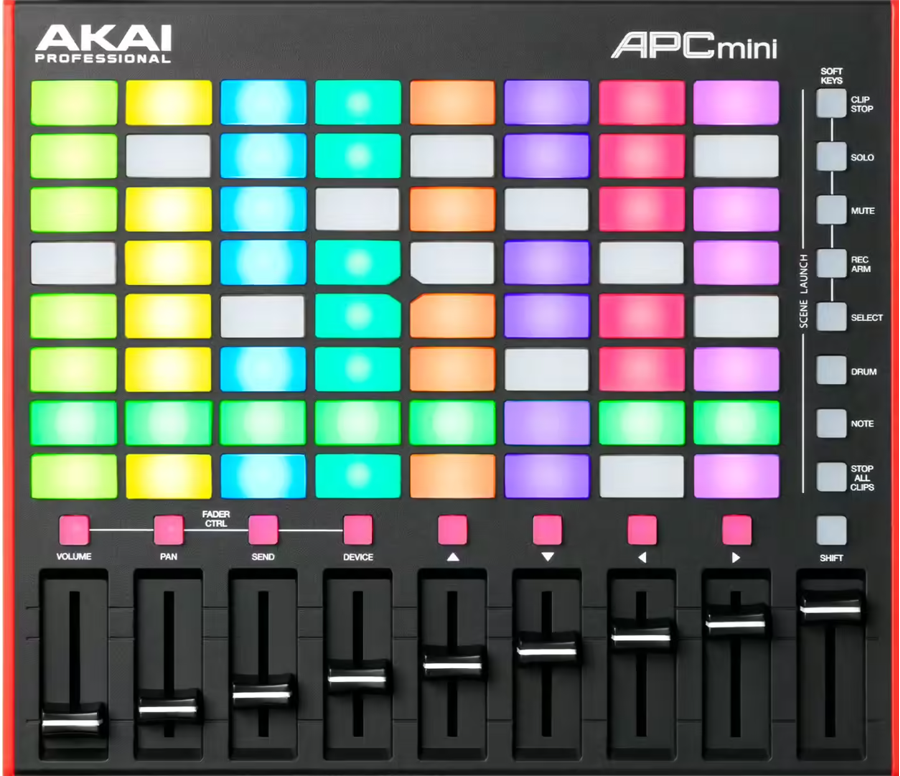
Plug & play, no driver: MyStrow detects it at startup. An 8×8 grid of LED pads that light up in real time, plus 9 intensity faders and per-group mute buttons. The benchmark live experience.
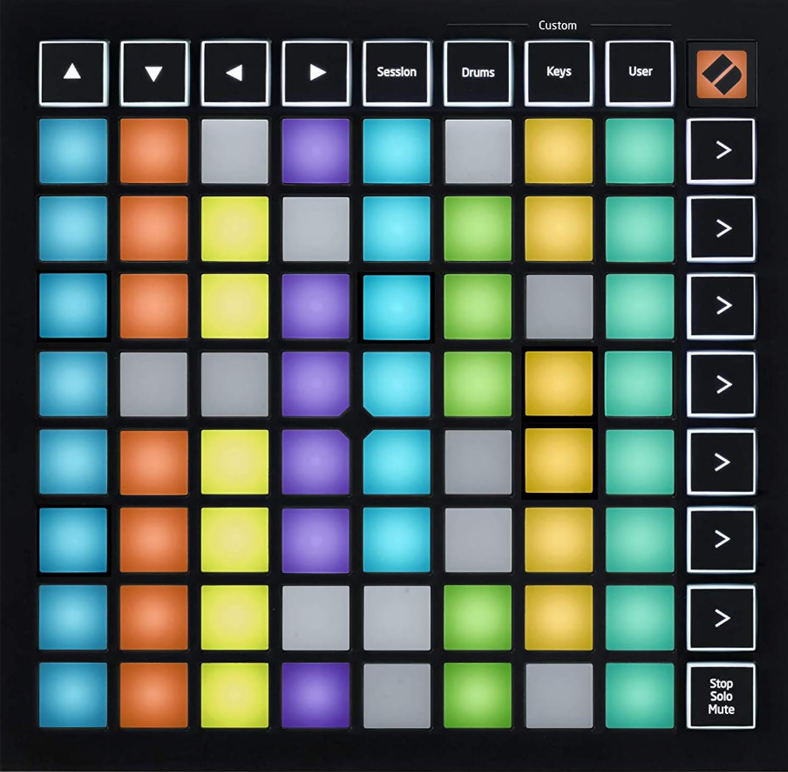
Recognised plug & play by MyStrow. An 8×8 grid of RGB pads with vivid LED feedback to drive colours and memories. Ultra compact. Note: no physical faders — intensity is set from the pads, the tablet or the stage plot.
Other compatible controllers
Other MIDI control surfaces work with MyStrow through remapping. They are compatible, but without the native plug & play mapping of the APC mini mk2.
MyStrow includes an on-screen AKAI simulator — an 8×8 pad grid and 9 faders, usable with the mouse or on a touchscreen. You can also drive everything from keyboard and mouse. The physical controller gives the best live experience, but stays entirely optional.
All your DMX fixtures are compatible
MyStrow uses the standard DMX512 protocol. Brand and model do not matter — if your fixture receives DMX, it is compatible. Set the channels by hand or import a fixture file.
Download MyStrow for free
Install MyStrow, plug in your hardware and take control of your fixtures in under 5 minutes.
Download ↓More features
Free version
15 days of access with no card required : what is included, and what is not.
DMX lighting software
Real-time Art-Net DMX control of all your LED fixtures, moving heads and PARs, from your computer.
AI lighting
The AI listens to the sound and generates coherent lighting moods, fully automatically.
Light programming
Visual timeline, keyframes, editable clips. Compose your shows in advance and sync them to the music.
Audio & video player
Manage playlist and projections from the same interface. Sound, image and light in a single piece of software.
Interactive stage plot
See and control your fixtures on an interactive plan. Groups, zones and DMX patch in real time.