Control everything,
instantly,
MyStrow.
All-in-one DMX software. AI-assisted lighting built in. A powerful audio & video player to unleash your creativity.

Lighting
All DMX 512 fixtures compatible. Includes over 5,000 fixtures in the built-in library.
AI Lighting
Save time. The AI analyzes, suggests and optimizes your DMX 512 lighting in real time.

Audio & Video Player
Play your media directly in MyStrow. No more juggling between multiple applications.

Programming
Program, adjust, launch. An interface designed to move fast and stay precise.
Quick start
Up and running in 3 steps
From installation to your first show, in under 10 minutes.
Connect your hardware
Plug in your MIDI controller, a Stream Deck, or simply use keyboard and mouse. MyStrow detects your equipment automatically — plug in, you're ready.
Patch your fixtures
Create your DMX patch in a few clicks thanks to a built-in library of 5,000+ fixtures. Addresses, modes, groups — everything configures quickly, no hassle.
Go live
Preloaded scenes, effects ready to use, levels set. Everything is in order. Just hit play. The show can begin.
Required hardware
Your lighting setup,
at a glance
Compatible with any DMX fixture — plug in, launch, illuminate.
Features
Everything you need to
master your stage
MyStrow brings together in a single software the power of a lighting desk, an Audio & Video player and a creative AI.
Interactive stage plot
Visualize your fixtures on a stage plot, group them by zone and control each group with a click or a fader.
Integrated audio & video player
Manage your playlist and projections from the same interface. Manual, AI, Programme and Light Play modes — all in one, no juggling between apps.
Built for the AKAI APC mini mk2
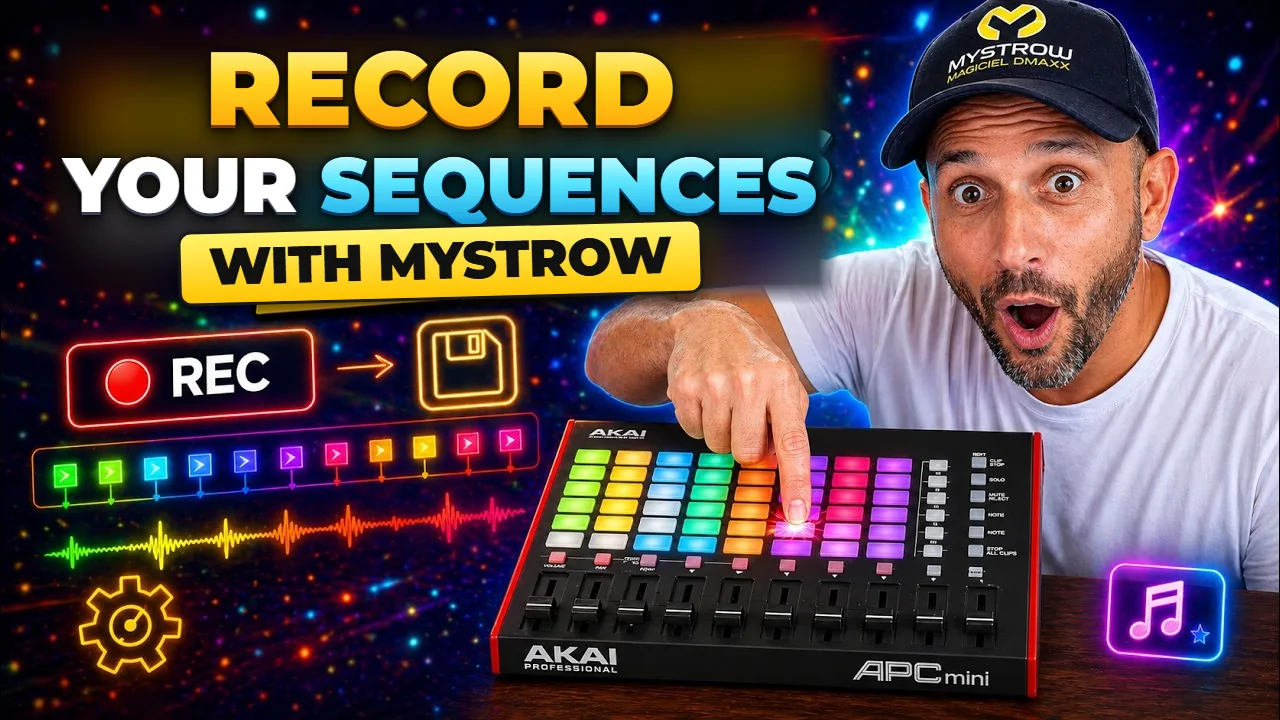
Designed for the AKAI APC mini mk2. Every pad, every fader has its direct mapping. Real-time LED feedback, immediate hands-on control.
Light Programming
Compose your shows in advance on a visual timeline. Set color and intensity keyframes, edit clips by drag-and-drop and synchronize every effect with precision to your music.
DMX Lighting Software
A Windows or Mac PC with a network card, an Art-Net DMX node, and MyStrow. Compatible with any DMX fixture: movers, LED wash, LED PAR. Intensities, colors, strobes — all controlled from an interface built for professionals.
AI Lighting
Enable the AI and let it manage the entire stage: colors, intensities, transitions. Or let it assist you in programming your shows faster.
DMX Patch
Patch.
Your fixtures, your groups, in real time.
Configure your DMX addresses, assign your fixtures and organize your groups in a few clicks. Every change is immediately reflected on your stage plot.
- Fully customizable patch
- Real-time visualization
- 5,000+ fixture library built in
- XML fixture import (QLC+, GrandMA2/3 format)
- Compatible with all fixtures (PAR LED, Moving Heads, LED Bars, Strobes, Fog Machines…)
- Automatic addressing per group
Simplified programming
Program.
Timeline, clips. Down to the millisecond.
Compose your light sequences on a visual timeline. Create colored clips and synchronize every effect with precision to your music.
- Real-time visualization
- Drag-and-drop editable clips
- Perfect sync with your playlist
- Import and export your edits
Artificial intelligence
Analyze.
The AI listens to your music and drives the stage.
MyStrow analyzes in real time the energy, rhythm and frequencies of your audio to automatically generate a coherent lighting atmosphere. From intimate concert to festival, your lights adapt.
- Continuous rhythm and energy analysis
- Colors generated based on music genre
- Automatic BPM sync
3D simulator
Visualize.
A built-in 3D simulator, nothing else to download.
The 3D rendering is included right inside MyStrow: your fixtures, beams and colors appear in real time while you program. No third-party software, no extra licence, no export needed.
- Built-in 3D simulator — nothing else to install
- Volumetric beams, gobos and haze in real time
- Ready-to-use stage sets
- Prepare and validate your show without any gear
Recommended hardware
The ideal setup for MyStrow
Everything works from the keyboard — but this trio delivers the best live experience.
AKAI APC mini mk2
MIDI controller — 8×8 LED pads + 9 faders. The reference live experience.
ArtNet / DMX Node
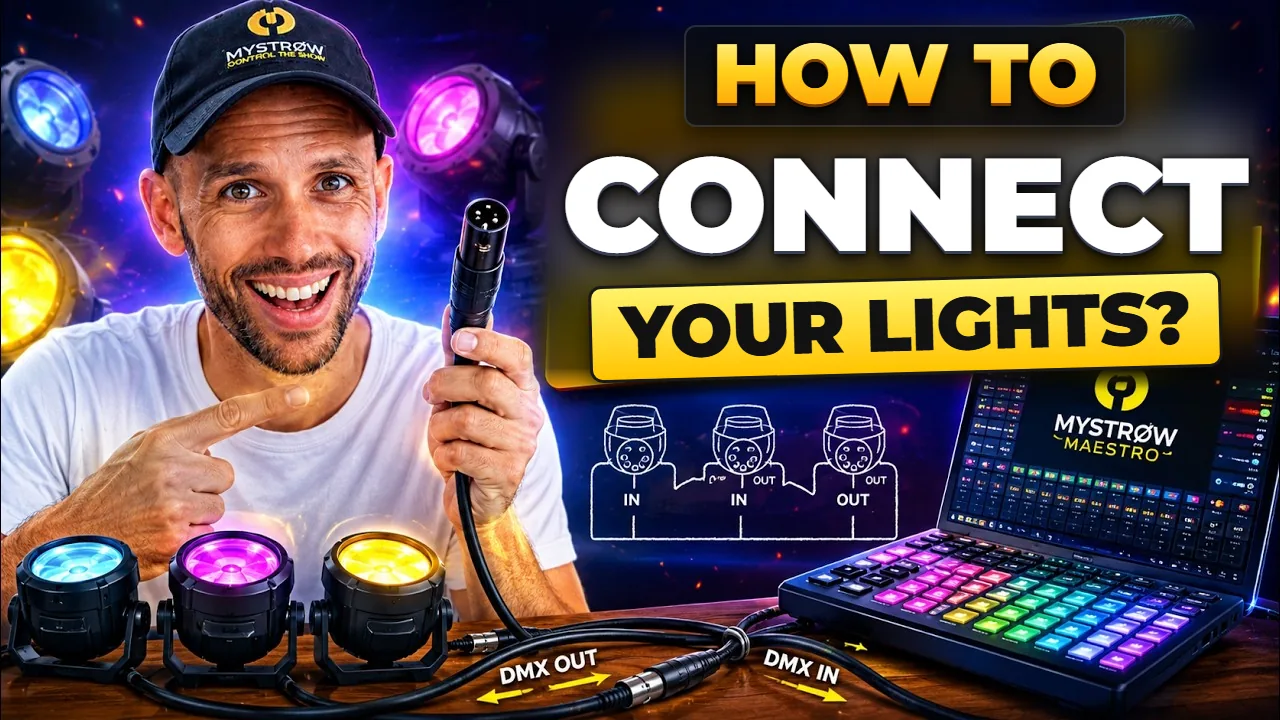
Ethernet → DMX512 box, fixed IP, no driver. The recommended choice for production.
USB ArtNet Node
A real ArtNet node, but over USB — no Ethernet card required. For PCs with only a USB port.
Pricing
Simple and transparent
Start for free, upgrade when you're ready. 15-day trial to try it out.
- Real-time lighting control
- Audio & video player
- Advanced AI Lighting
- Light Programming
- No DMX output
- Tablet app: 10 min per launch
- Real-time lighting control
- Audio & video player
- Advanced AI Lighting
- Light Programming
- DMX output
- Activation on 2 machines
- Tablet app included (Android, iPad)
- Updates included
- Real-time lighting control
- Audio & video player
- Advanced AI Lighting
- Light Programming
- DMX output
- Activation on 2 machines
- Tablet app included (Android, iPad)
- Lifetime updates included
- No subscription · ever
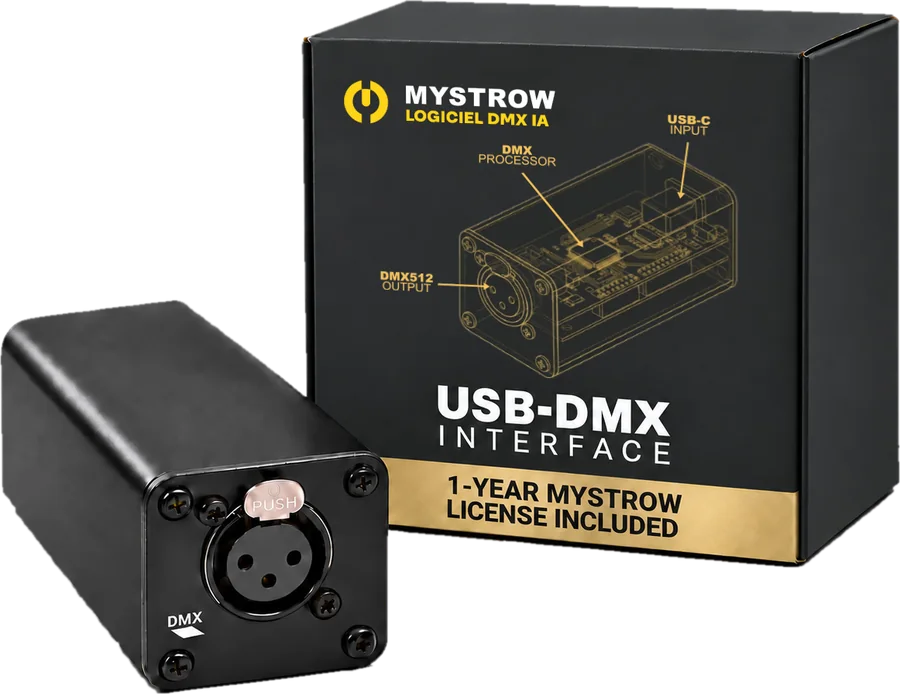
MyStrow Pack
No DMX interface yet? Get the Pack.
The MyStrow USB-DMX interface (XLR output, powered over USB) with the licence in the box. Free delivery in 72 h in mainland France, also to Belgium, Luxembourg, the Netherlands, Italy, Spain and Portugal.
FAQ
Frequently asked questions
Everything you need to know before getting started.
Newsletter
Stay in the loop
New features, lighting tips and MyStrow updates —
straight to your inbox. No spam, unsubscribe anytime.
By subscribing, you agree to our privacy policy.
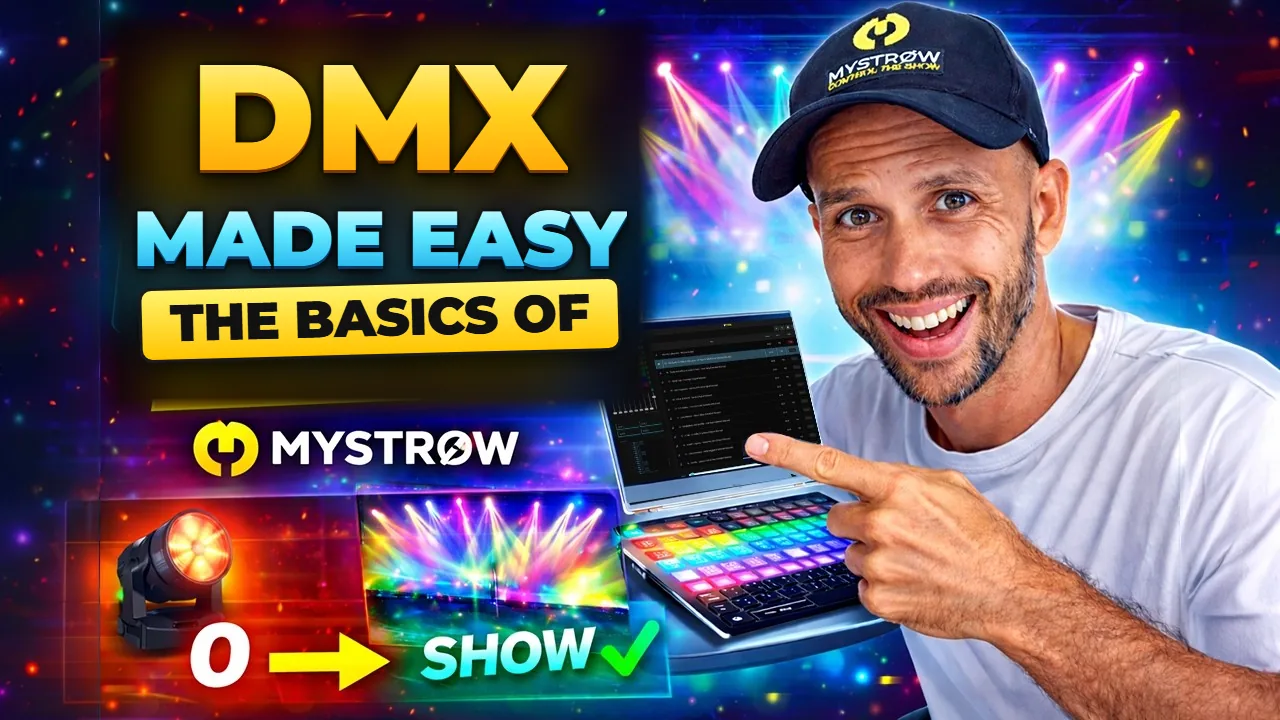
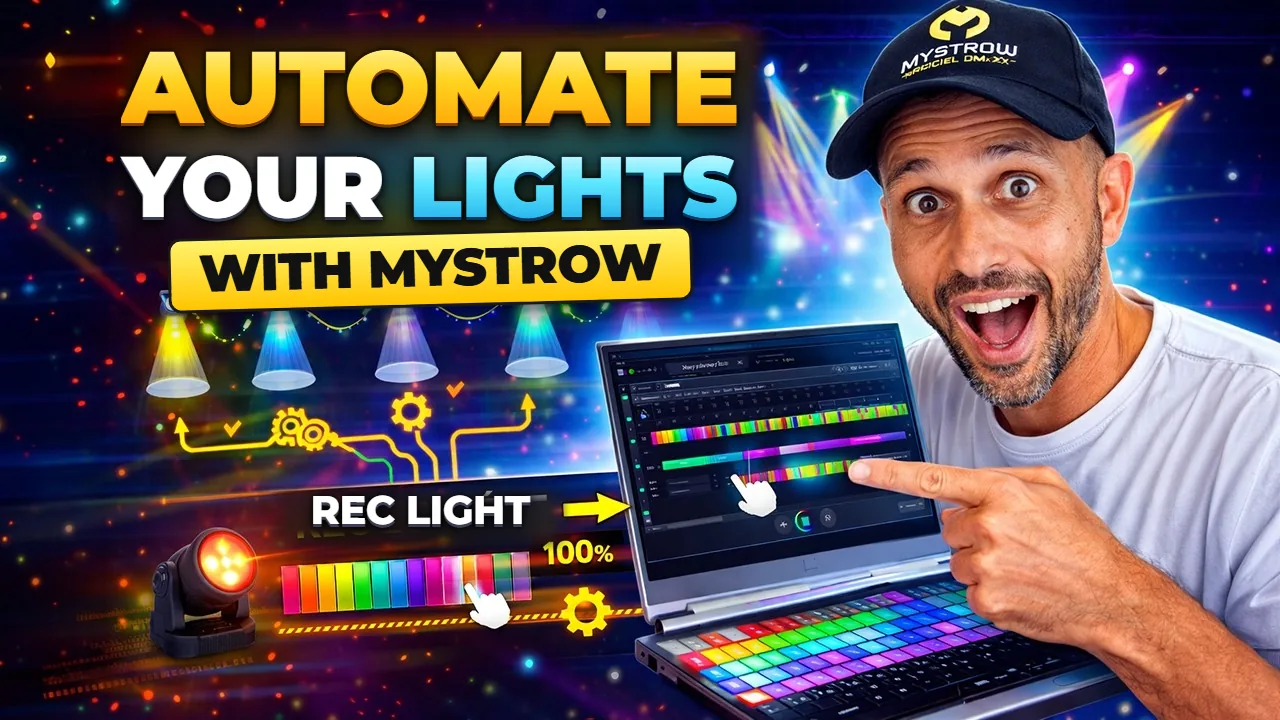
Tutorials & Guides
Learn to master MyStrow
Videos and step-by-step guides — from your first patch to a fully automated show.
Ready to start?
Transform your stage today
Join lighting operators who trust MyStrow for their shows.