Learn to master MyStrow.
Step-by-step videos — from your very first DMX cable to a fully automated show.
Scan one QR code and the AKAI grid, the playlist and the lighting plot fit in your hand. Activation, pairing, the four tabs and Wi-Fi troubleshooting.
Read the guide →
Aim your beams with a stick, like a console trackball. Supported gamepads, dead zone and speed settings, and the case of the PS3 pad.
Read the guide →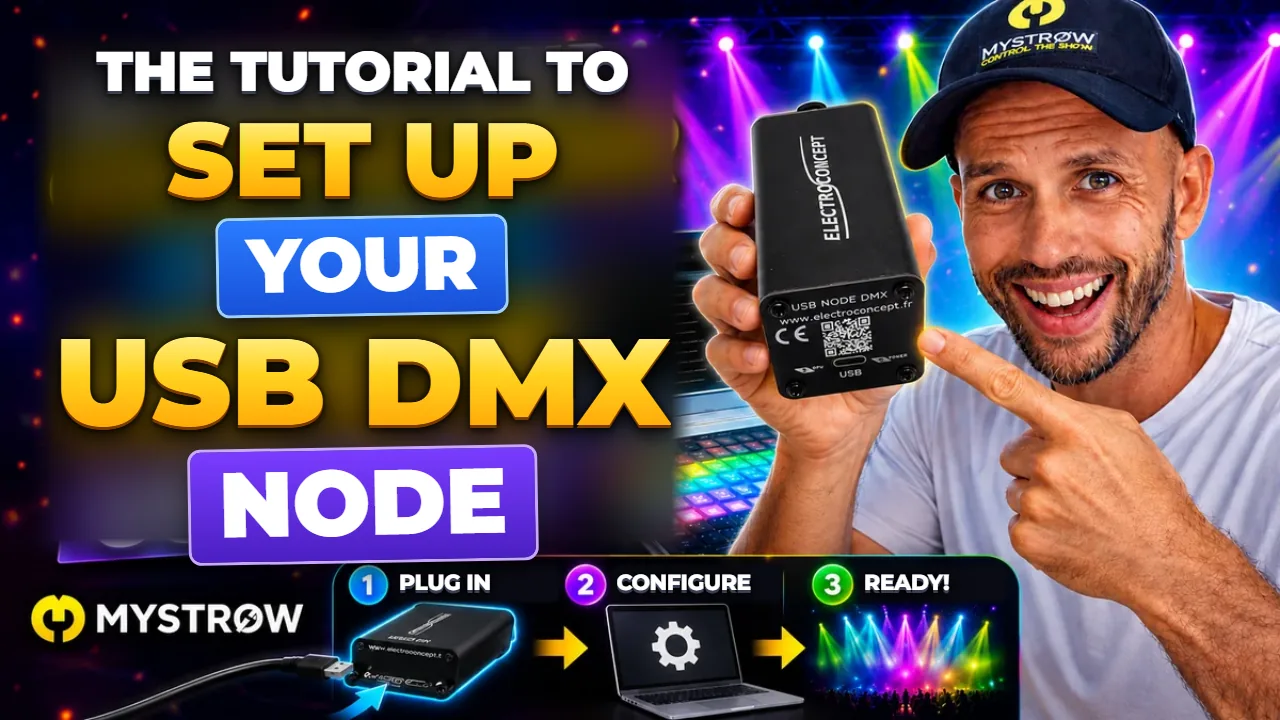
A 1-universe Art-Net/sACN node (3-pin XLR) connected over USB: the complete walkthrough to configure it in DMX TOOLS and connect it to MyStrow — from the box to your first fader.
Read the guide →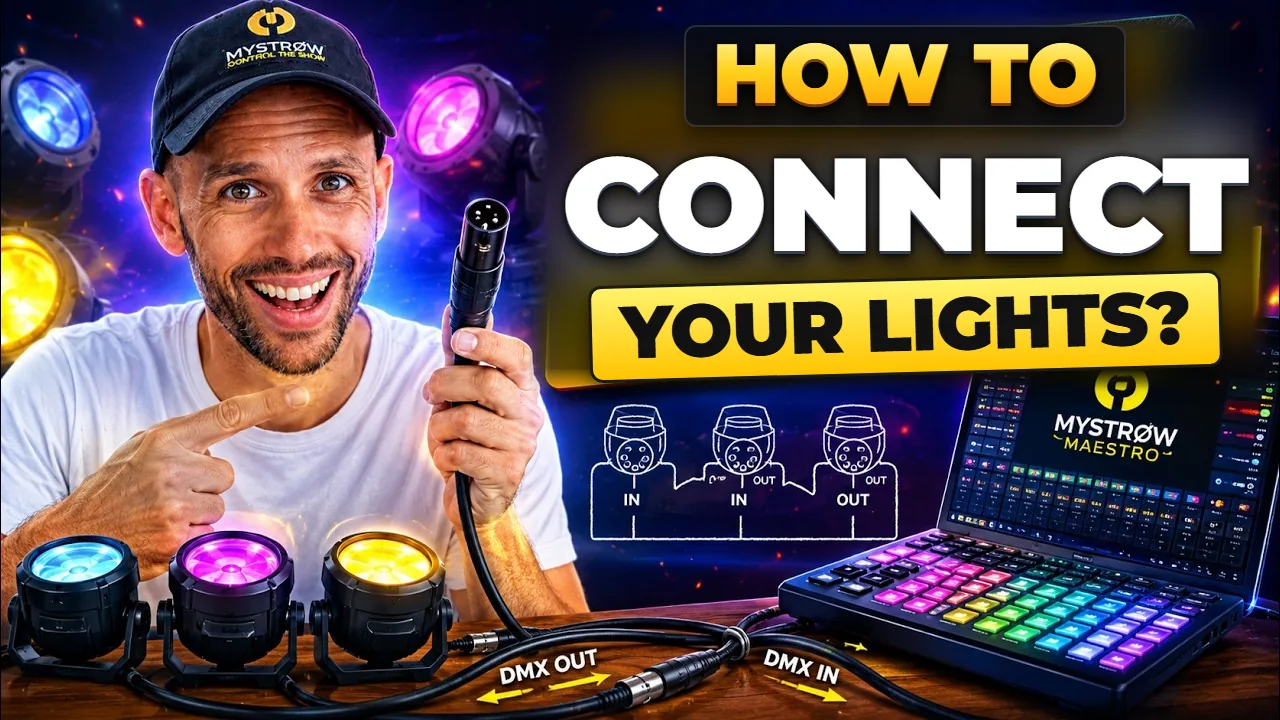
New to DMX and lost with cables, universes or wiring? How a DMX chain works, how to connect your fixtures, how to patch — in 5 minutes flat. (Video narrated in French, with English subtitles and an English dubbed track on YouTube.)
Watch the video →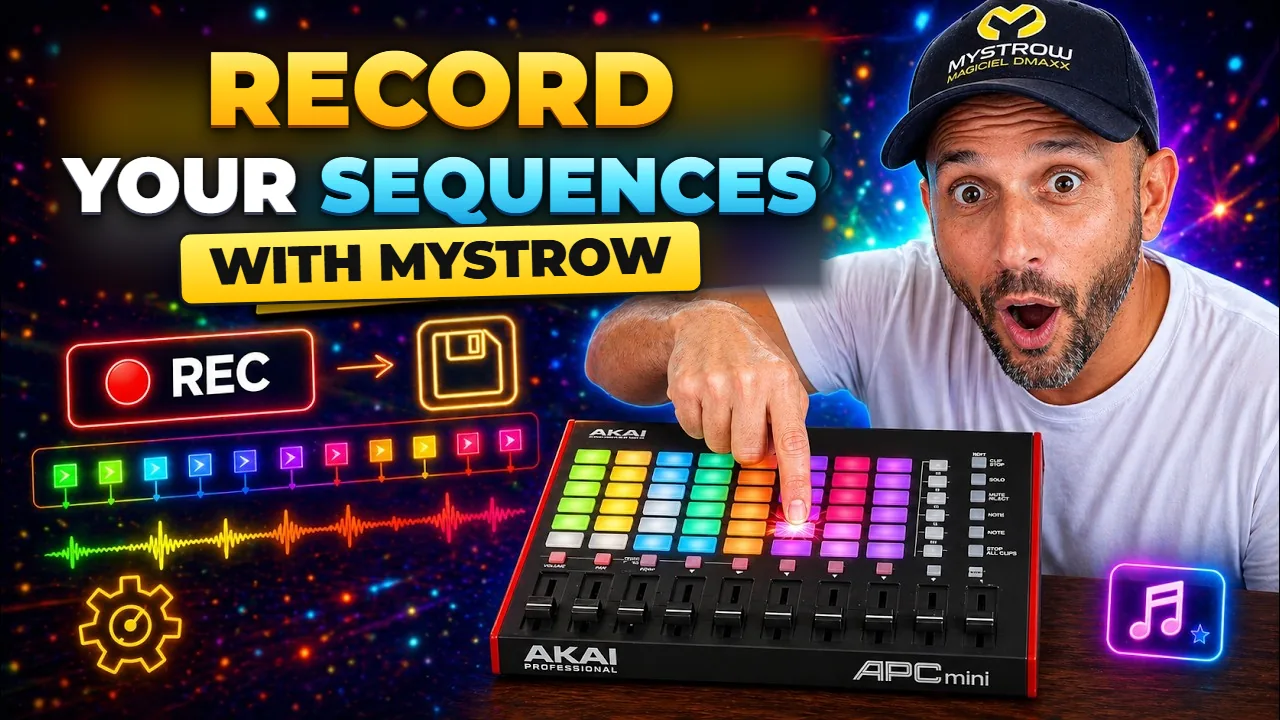
Live Light Rec or timeline programming — build light shows you can replay endlessly, synced to your music down to the millisecond.
Read the guide →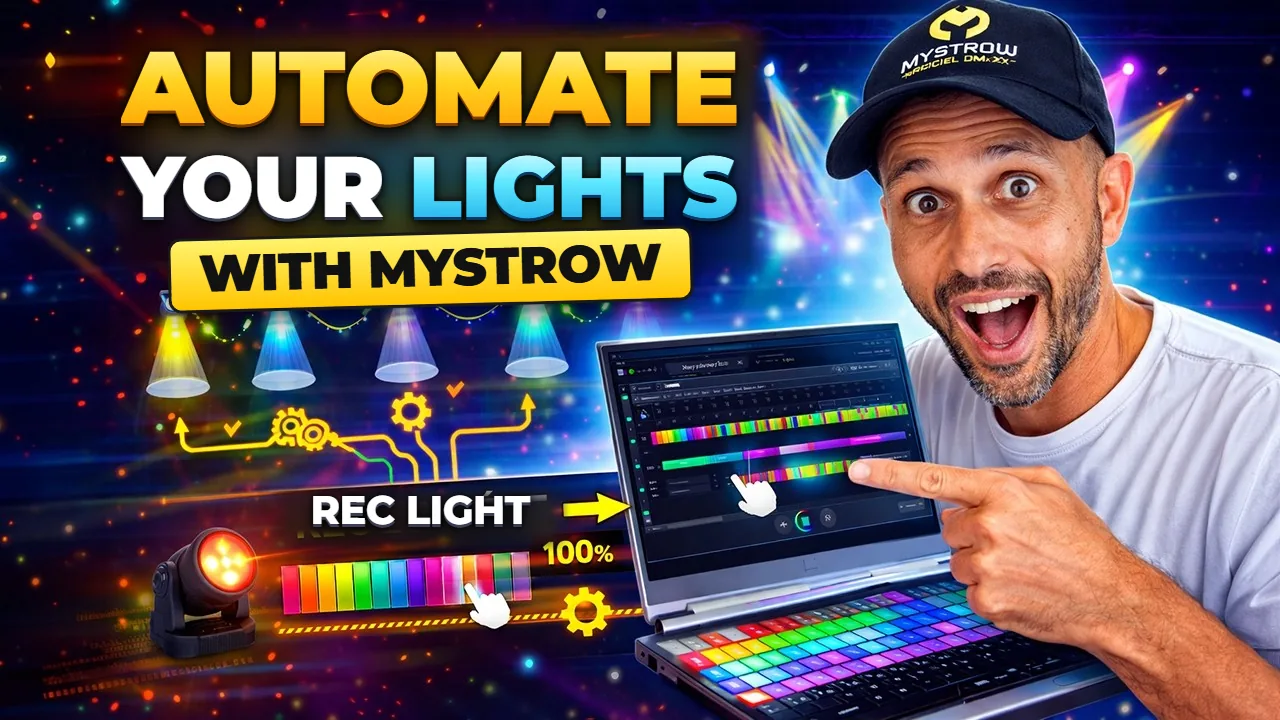
Record your live performance in Light Rec mode, edit the clips on the timeline and replay an identical show at every performance.
Read the guide →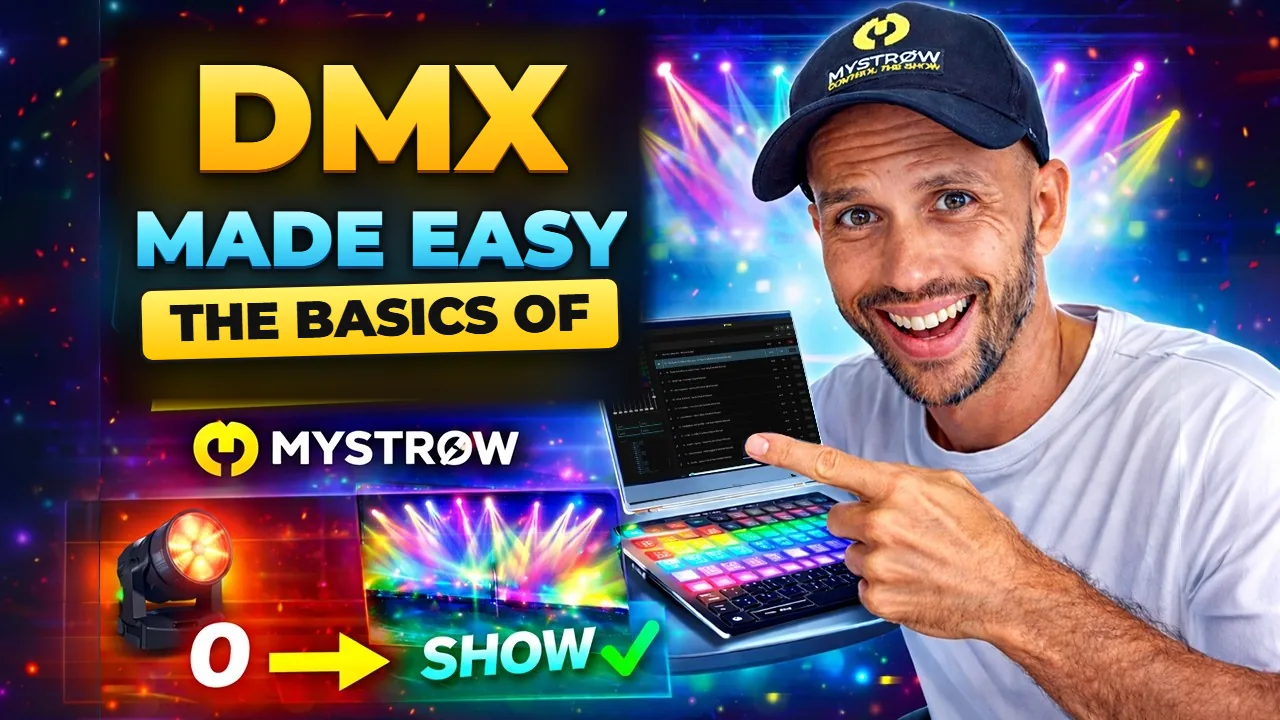
Patch, fixture groups, AKAI APC mini, real-time colors — everything you need to run your first light show from scratch.
Read the guide →
MyStrow ships with over 5,000 DMX fixtures. If yours is missing, import an XML file from FixtureShare MA Lighting or build your own profile in a few clicks.
Read the guide →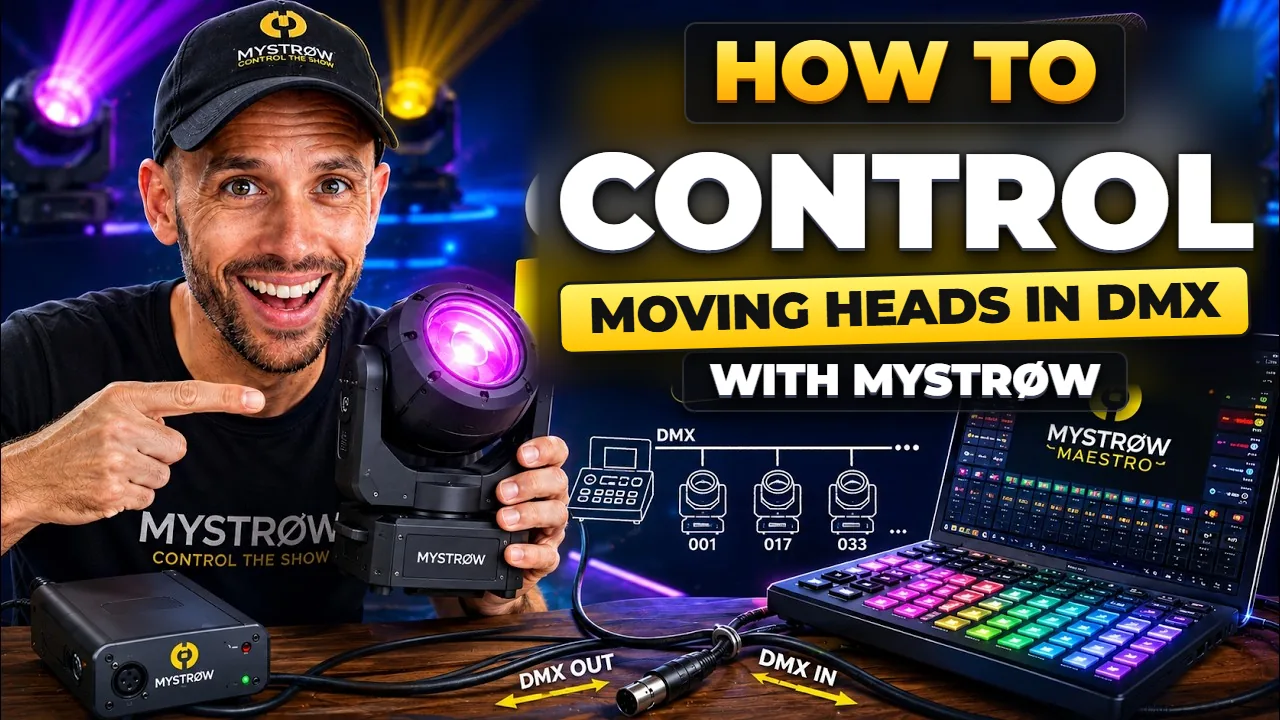
Patch, movement limits, shutter, color wheel, 3D stage view, symmetry and dynamic effects — master your moving heads with MyStrow.
Read the guide →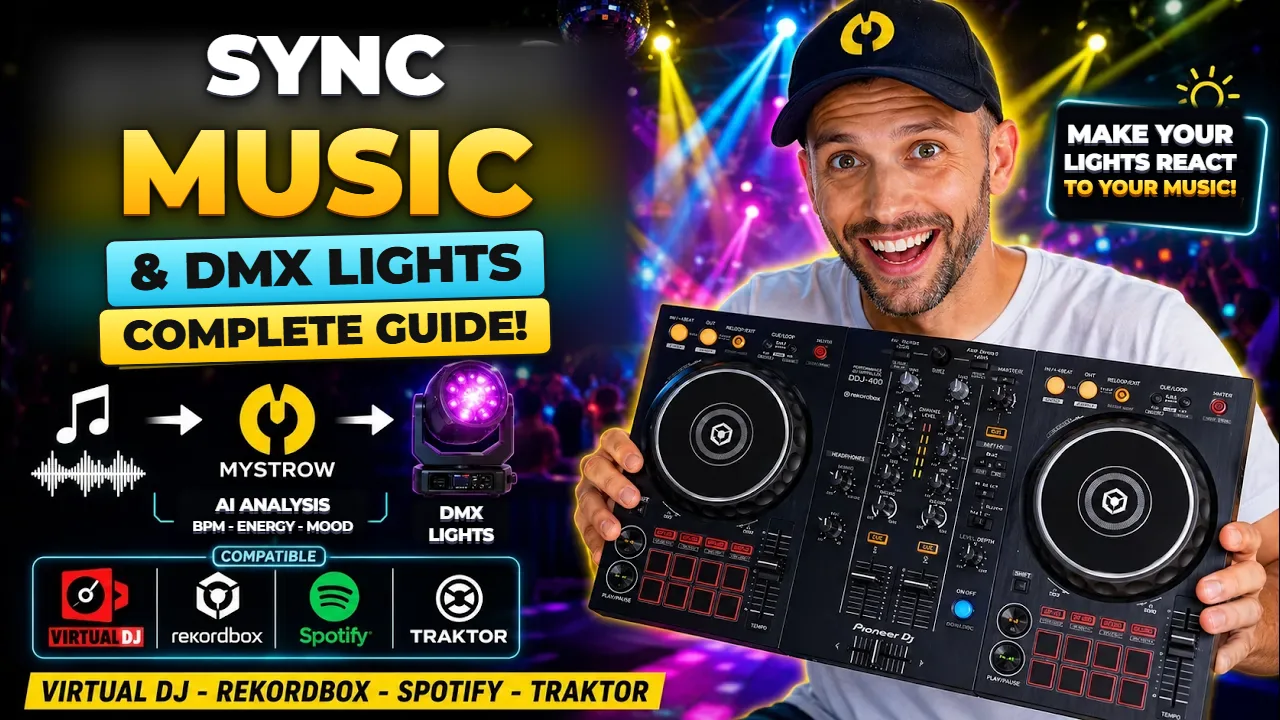
Make your lights follow the beat: audio capture or MIDI Clock, with Traktor, rekordbox, Serato and VirtualDJ. PC and Mac guide on the same page.
Read the guide →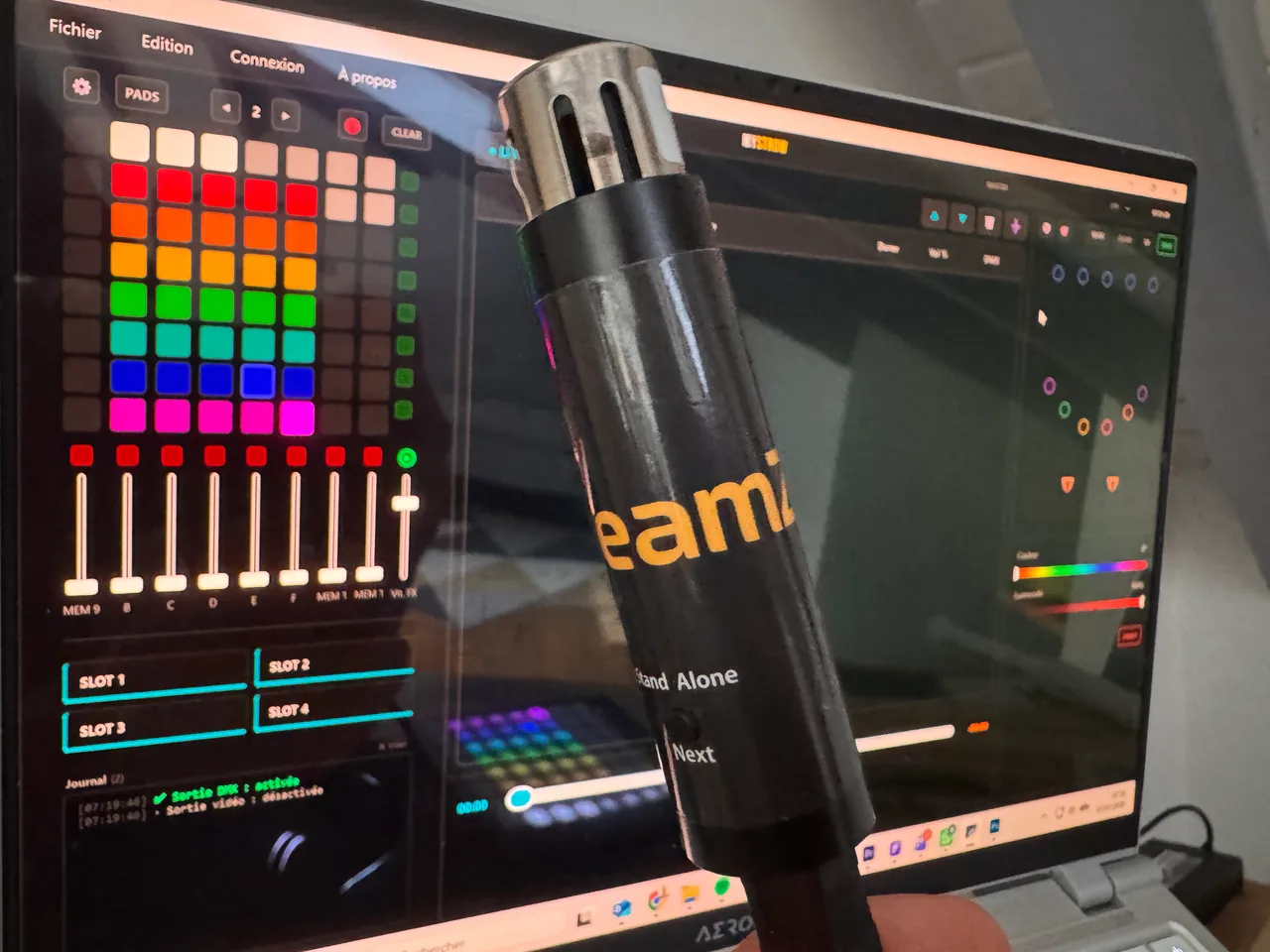
We tested the Sushi-Z1 USB-DMX interface with MyStrow. Verdict: not compatible, because it is locked to its own software. Here is why — and which DMX interface to pick instead.
Read the review →