Today we are testing the Sushi-Z1 with MyStrow
A lot of you ask us the same question: “Does my Sushi-Z1 interface work with MyStrow?” We plugged it in, we tested it… and the verdict leaves no room for doubt. Spoiler: it is not MyStrow's fault.
What exactly is the Sushi-Z1?
The Sushi-Z1 is a small USB-DMX interface made by Nicolaudie (the brand behind DMXSoft, Sunlite and Daslight). An ultra-compact metal housing, a 3-pin XLR connector, a standalone mode… and above all an attractive price. That is what makes it a best-seller: you see it everywhere among DJs, bands and small venues.
On paper it ticks every box: 128 DMX channels (expandable to 512), a large fixture library, and several software licences included (Daslight, Sunlite Suite, Light Rider, Easy Stand Alone). In short, exactly the kind of box you really want to reuse when you discover MyStrow.
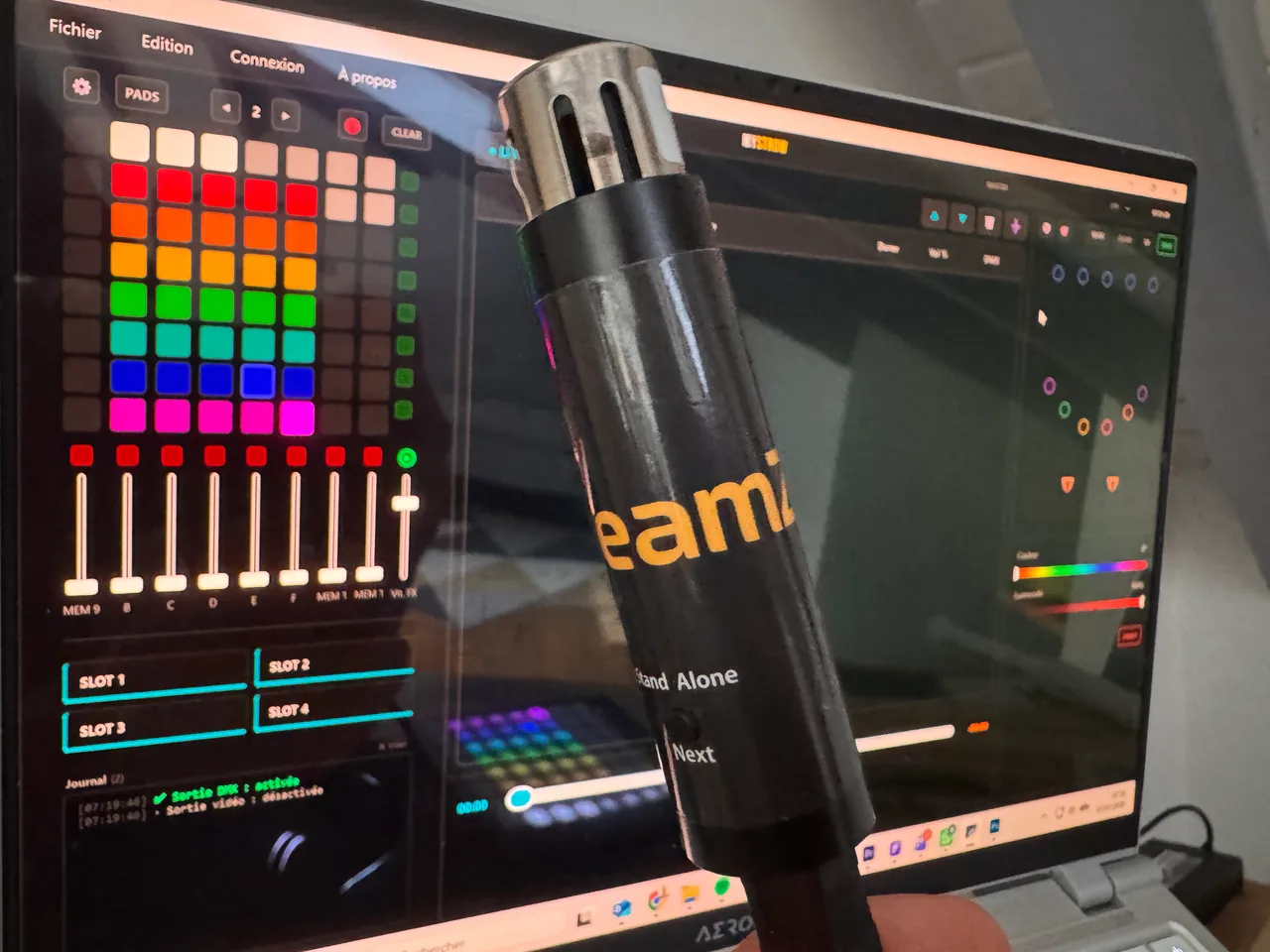
The Sushi-Z1 is NOT compatible with MyStrow
And this is neither a MyStrow bug nor a setting you have yet to find: the Sushi-Z1 is locked down by its own brand. This interface only works with Nicolaudie's in-house software (Daslight, Sunlite, Light Rider, Easy Stand Alone). No third-party software can drive it — not MyStrow, and not even QLC+.
In practice, during the test the box is recognised by Windows just fine… but DMX never comes out when you try to drive it from anything other than Nicolaudie's own software. This is not a defect: it is a commercial decision. The brand's business model is to sell cheap hardware and make its money on licences for its own software. To make that work, the interface is deliberately closed to competing applications.
🔒 Key point: this is not “the Sushi-Z1 versus MyStrow”. It is the Sushi-Z1 versus any software not signed Nicolaudie. If one day you want to leave Daslight for another package, this box will rarely follow you there.
Why MyStrow cannot drive it
MyStrow speaks two standard, open languages to send DMX to your fixtures:
Art-Net (through a network node)
MyStrow sends DMX over the network via Art-Net to an Ethernet node (fixed IP). Reliable, driverless, perfect for fixed installs and production.
Open USB-DMX
MyStrow natively drives open USB-DMX interfaces (FTDI chip / ENTTEC protocol), such as the ENTTEC Open DMX USB or the DMX USB Pro.
The Sushi-Z1, on the other hand, exposes neither of these two paths to third-party software. It communicates through a proprietary protocol that only Nicolaudie's software knows how to speak. MyStrow therefore simply cannot “talk to it” — for exactly the same reason QLC+ does not detect it either.
Which interface should you pick for MyStrow?
Good news: there are open, reliable and widely available interfaces that work first time with MyStrow. Here are our recommendations depending on how you work.
| Interface | Type | MyStrow compatible? | Who it is for |
|---|---|---|---|
| Art-Net node (ENTTEC ODE, DMXKing eDMX1 PRO…) | Ethernet / Art-Net | ✅ Yes | Fixed installs, production, venues. The most reliable. |
| ENTTEC DMX USB Pro | USB-DMX (ENTTEC protocol) | ✅ Yes | Mobile, rugged, the market standard. |
| ENTTEC Open DMX USB | USB-DMX (FTDI chip) | ✅ Yes | Tight budget. Very good in D2XX mode. |
| Sushi-Z1 / Sushi-DS (Nicolaudie) | Proprietary USB-DMX | ✕ No | Locked to Nicolaudie software only. |
Our advice
For fixed installs or production: go for an Art-Net node (Ethernet, fixed IP, zero drivers) — it is the most stable option and the one MyStrow was designed around.
For mobile use / on a budget: a ENTTEC DMX USB Pro (top reliability) or an Open DMX USB will do the job perfectly. Plug it in, select the interface in MyStrow, and DMX comes out.
💡 Already bought a Sushi-Z1? It remains perfectly usable with Nicolaudie's software (Daslight & co). But to enjoy MyStrow and its AI Light, plan on an open interface from the list above.
The right hardware, and off you go
With a compatible interface, MyStrow is driving your lights within minutes. Download it and see for yourself.